01 / EDIT
From text to structure
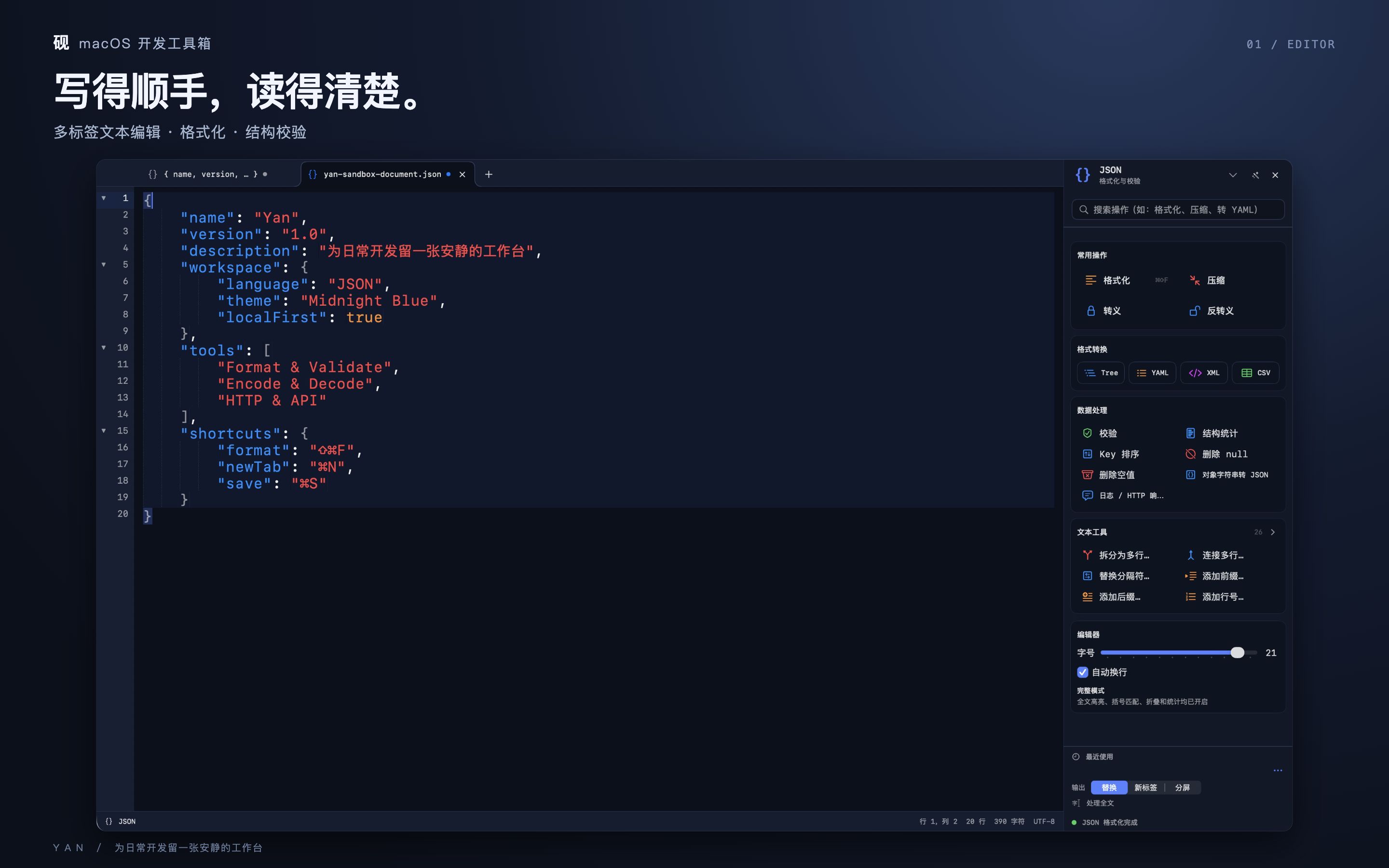
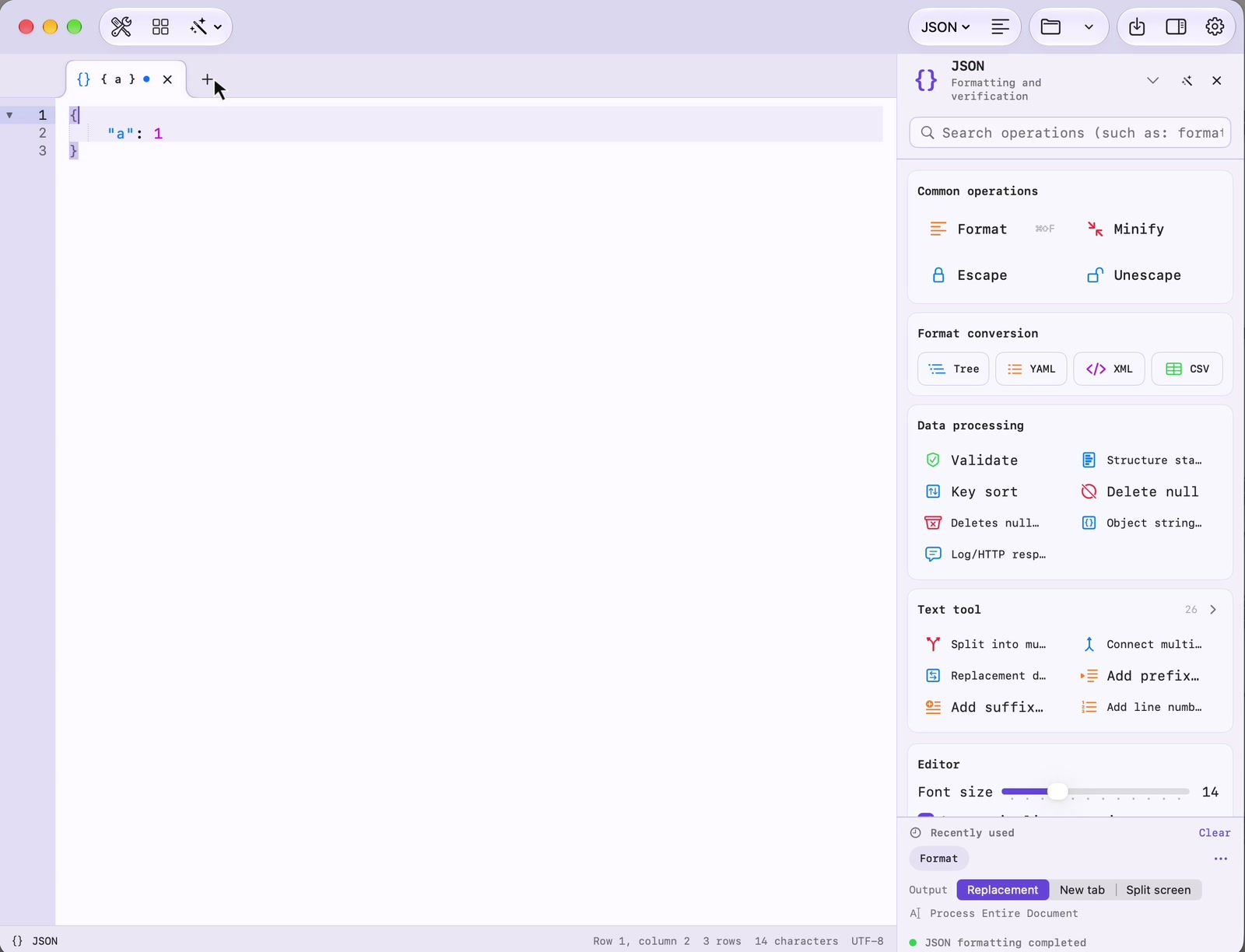
Multiple tabs, syntax highlighting, find and replace, and JSON, XML and Markdown processing.
 Yan.app
 brings text editing, formatting, data validation and everyday developer tools into one native Mac workspace.
macOS 14 or later · No account required
Multiple tabs, syntax highlighting, find and replace, and JSON, XML and Markdown processing.
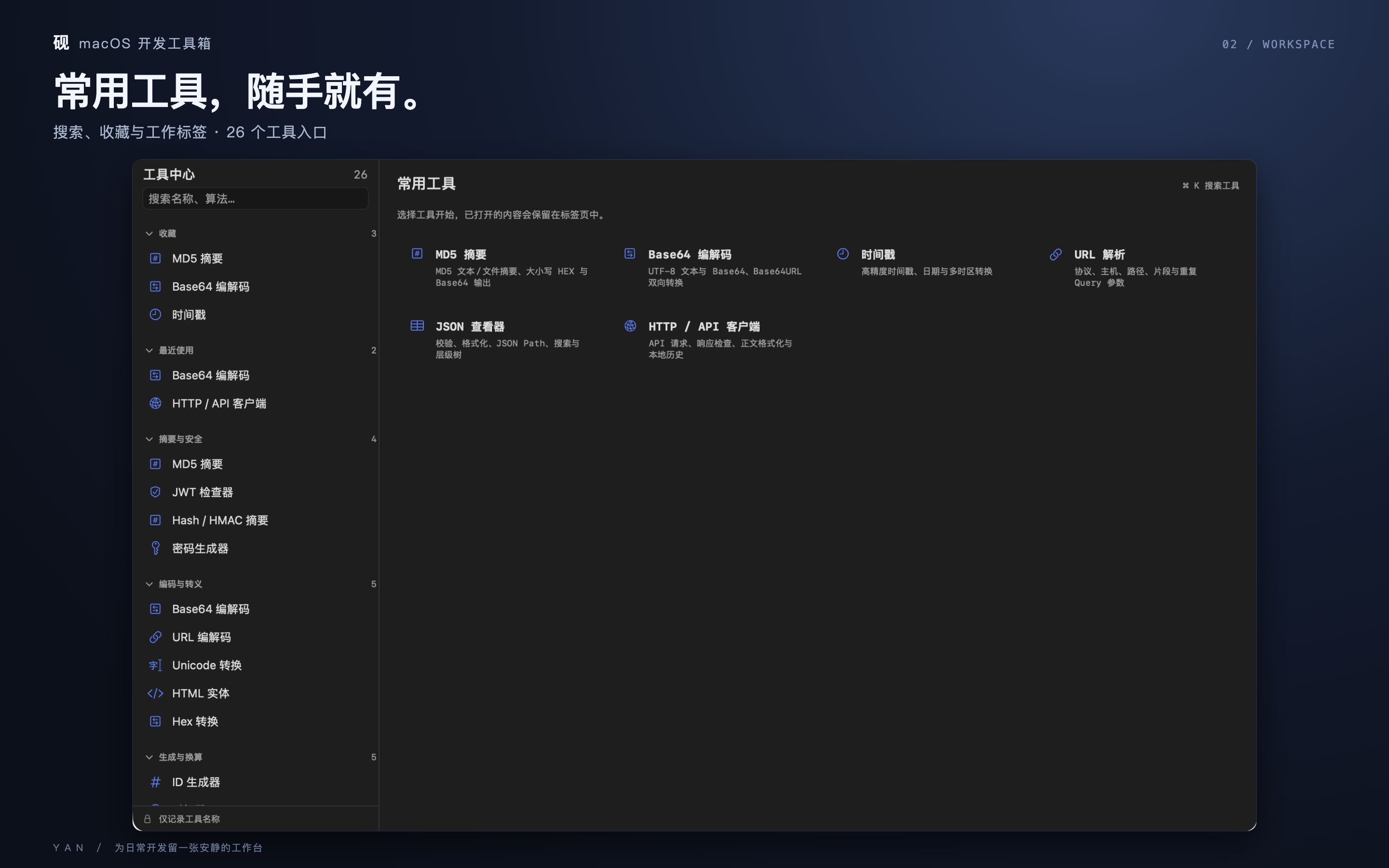
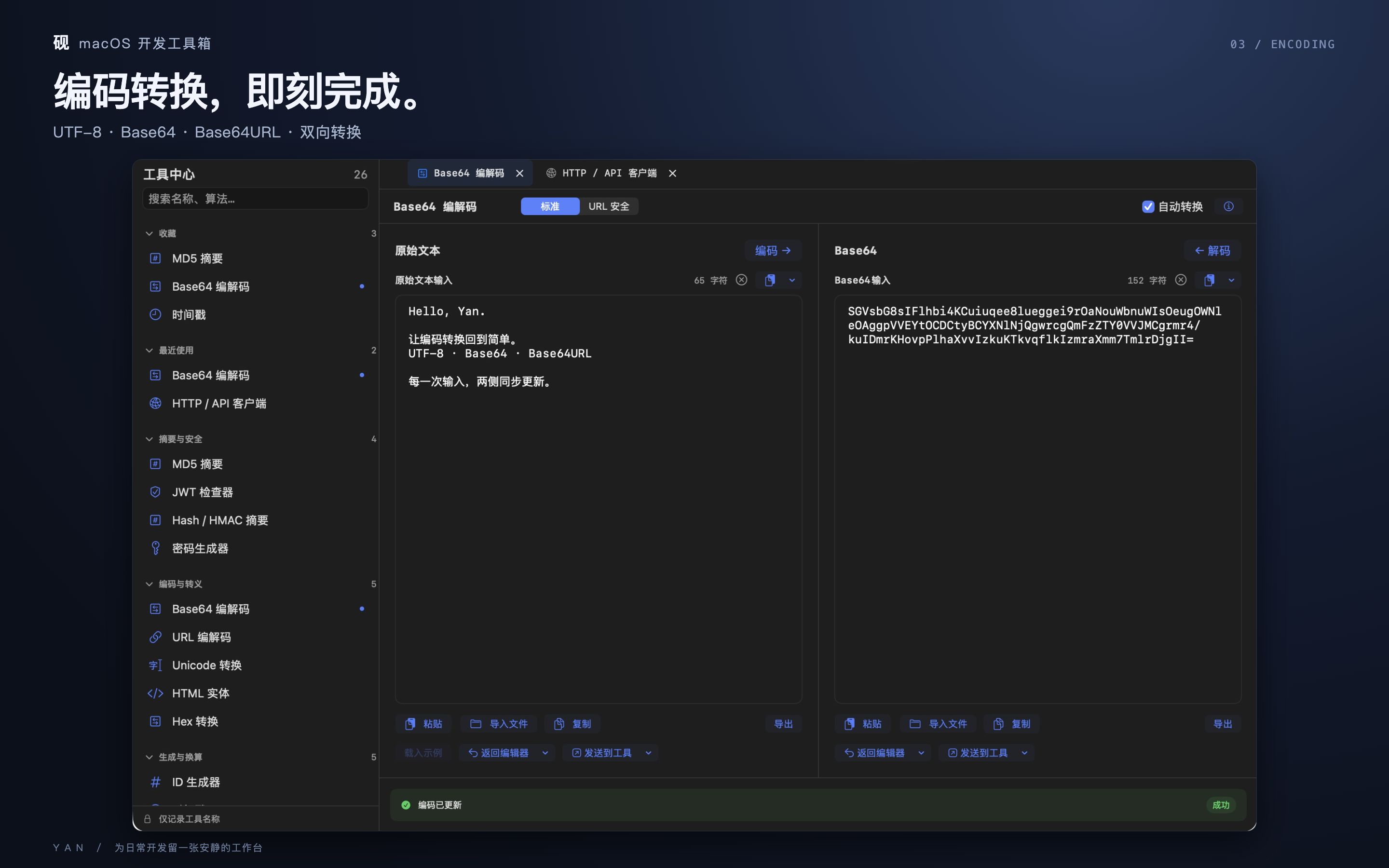
Install the workspace tools you need for encoding, regular expressions, QR codes, and structured data. Dedicated plugins add API debugging and editor integrations.
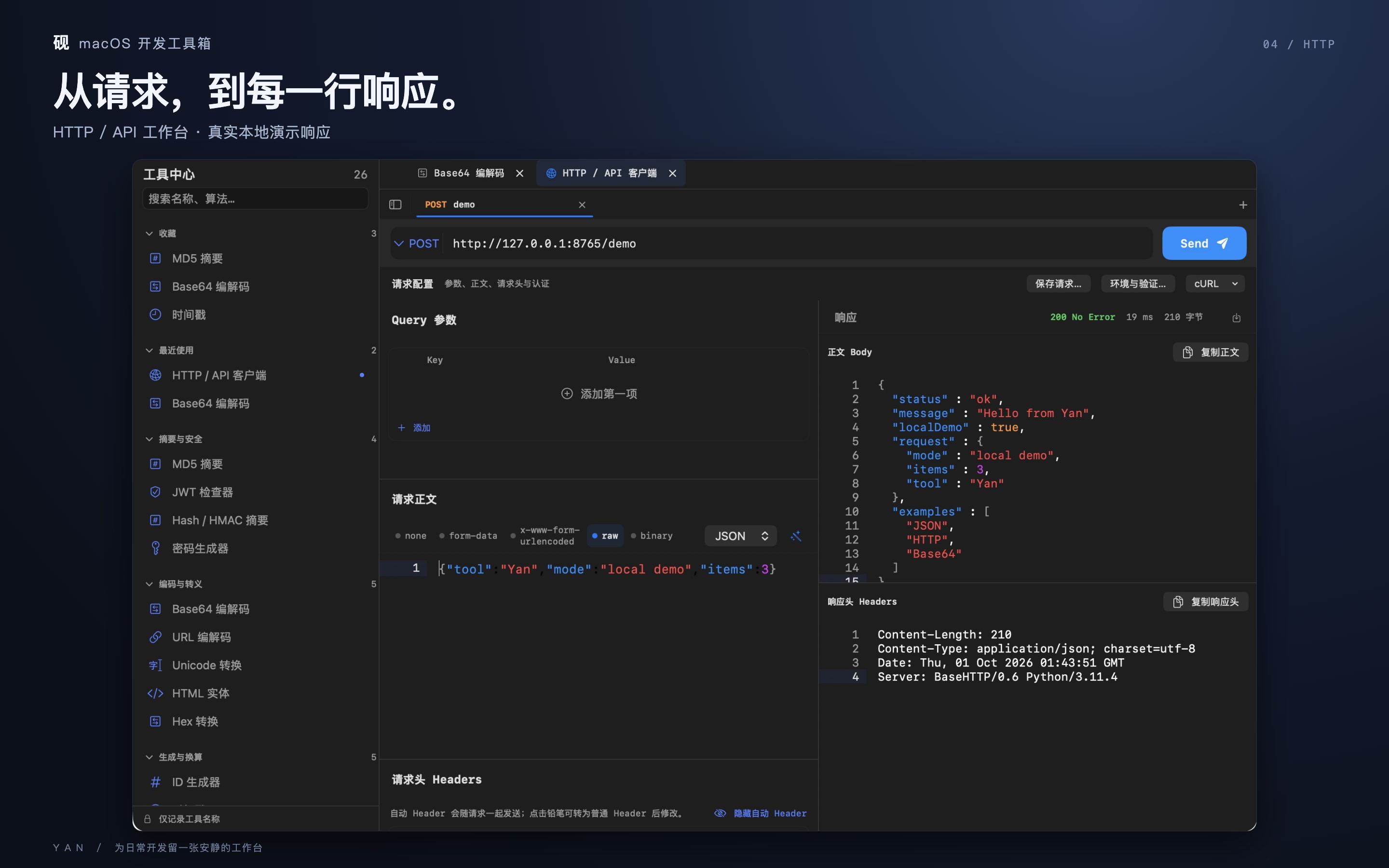
HTTP requests, environments, response inspection and local history. You choose the destination.
Text editing and conversion run on your Mac. HTTP requests, public-IP checks and optional font downloads use the network. No ads, analytics SDK or developer-operated content upload service.
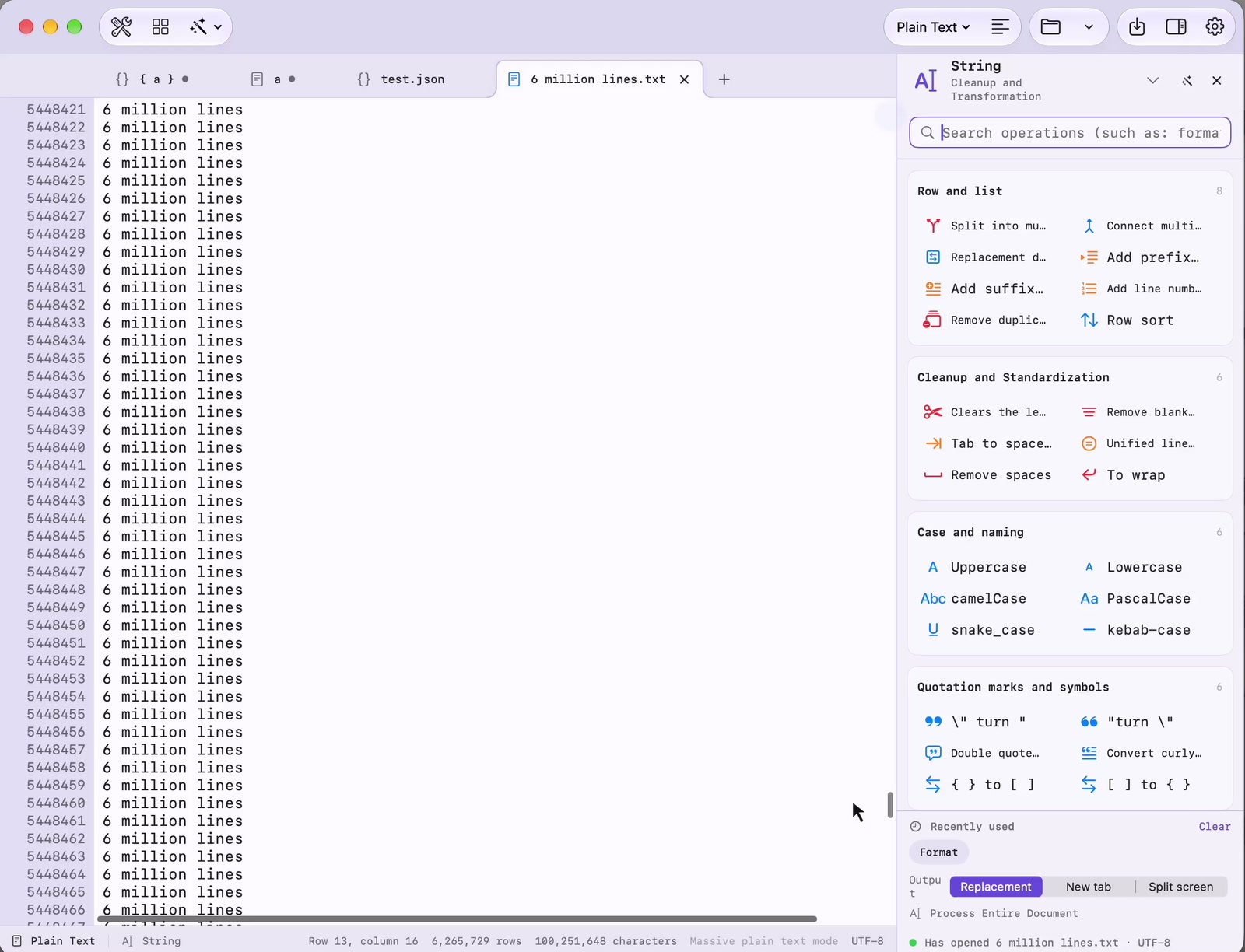
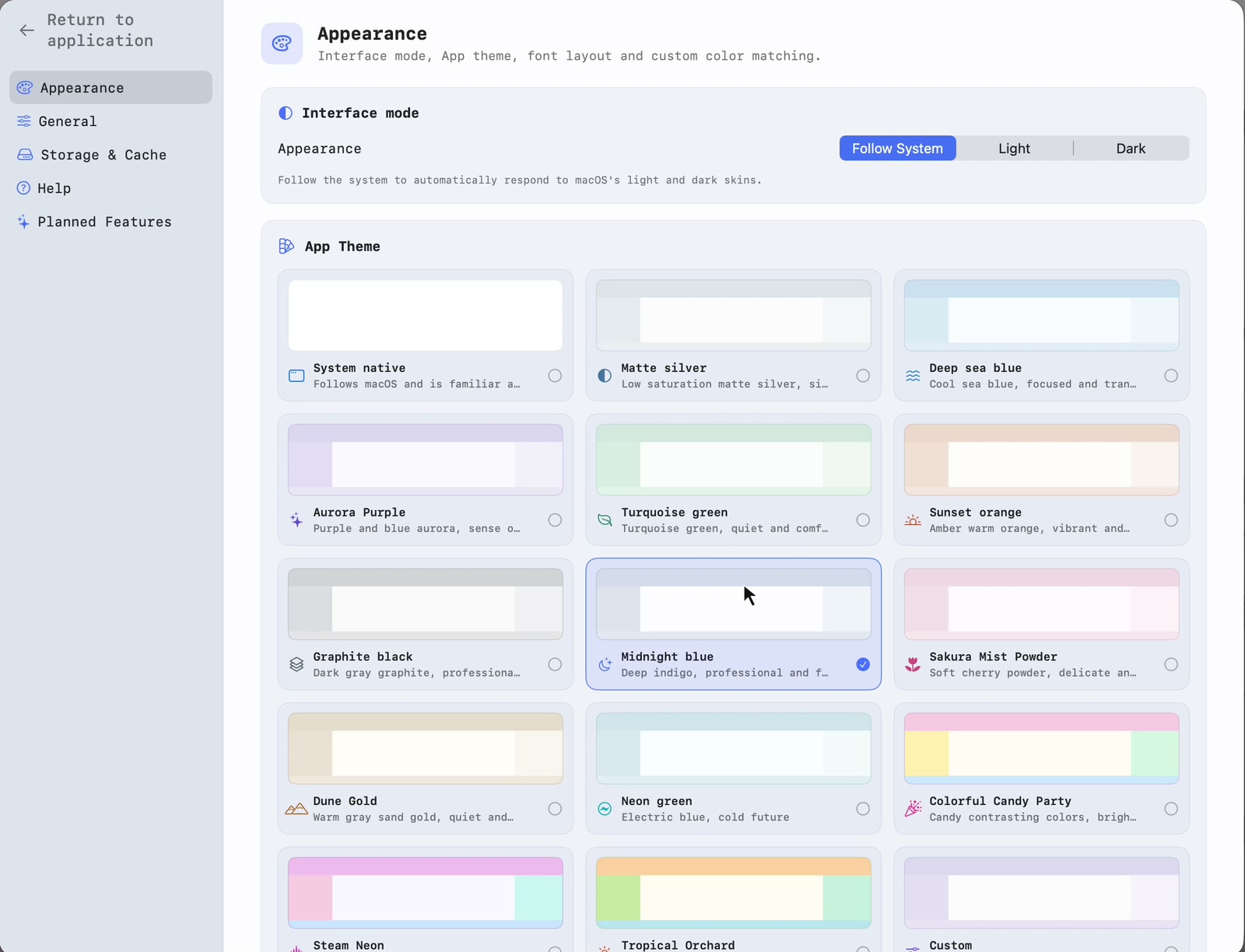
Read the full privacy policy →Launch Yan, format JSON, work with a large text file, and explore appearance settings.
 砚
砚把文本编辑、格式化、数据校验与常用开发工具放在一个原生 Mac 工作台里。
支持 macOS 14 及以上 · 无需注册账号
多标签编辑、语法高亮、查找替换和 JSON、XML、Markdown 等格式处理。
按需安装编解码、正则、二维码及结构化数据工具,也可以通过专项插件调试接口或扩展编辑器。
HTTP 请求、环境变量、响应查看和本地请求历史;发送目标由你选择。
文本编辑与转换在本机处理。HTTP 请求、主动查询公网 IP 和下载字体需要网络。没有广告、行为分析 SDK 或开发者内容上传服务。
查看完整隐私政策 →从桌面启动砚,演示 JSON 格式化、大文件编辑与外观设置。录像来自真实 Mac。